
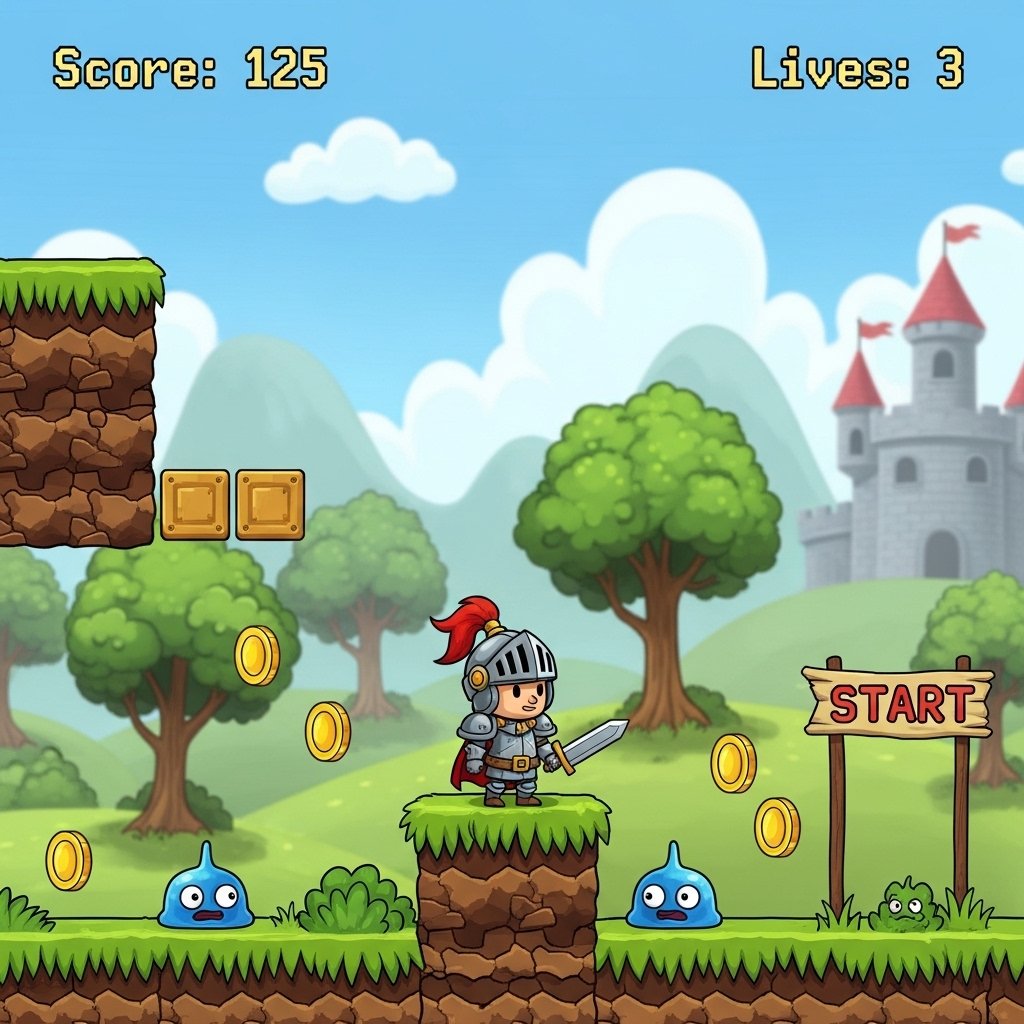
Game development Using the Unity Engine
Game development is one of the most creative and widespread technological fields in the modern era, and the Unity engine is one of the most prominent tools used in this field, thanks to its flexibility, ease of learning, and support for multiple platforms such as computers, smartphones, and gaming consoles.
What is Unity?
Unity is a game engine used to design and develop 2D and 3D games. It provides a comprehensive environment that includes tools for drawing, physics, lighting, programming, and sound, allowing developers to build complete games relatively easily compared to other engines.
Steps to Developing a Game Using Unity
1. Defining the Game Concept
The development process begins with a clear concept: What type of game is it? Is it an adventure, a racing game, or a puzzle game? Defining the concept helps guide the rest of the development stages.
2. Game Design
Here, the game rules, characters, levels, and gameplay mechanics are established. It is recommended to write a Game Design Document to organize the ideas.
3. Creating a Project in Unity
After installing Unity Hub, you can create a new project and choose its type (2D or 3D). Then, you can begin creating scenes.
4. Designing Assets
This includes characters, backgrounds, sounds, and effects. Assets can be created using external software or downloaded from the Unity Asset Store.
5. Programming with C#
Unity is based on the C# programming language. Scripts are written to control player movement, element interaction, the scoring system, and other game functions.
6. Adding Physics and Interaction
Unity provides a built-in physics system that helps simulate movement and collisions realistically.
7. Game Testing
This is one of the most important stages, where the game is tested, bugs are identified, and performance is improved.


Reviews
There are no reviews yet.